
What to Do When No One Sees Your Threads Posts? Check the Data First, Then Find the Reasons for Low Exposure
Are your Threads posts getting very few views? Start troubleshooting with Insights data, public account settings, reply permissions, and hashtags, then use specific tests to identify areas for improvement.
Article overview
- No traffic on Threads? Where to check the data first
- Views are very low? Check your account settings first
- Understand the Insights numbers to know what to change
- People view your posts but do not reply? How to adjust your posts
- Find an effective content direction through a one-week test
- Frequently Asked Questions about Threads
You have published several posts on Threads, but your views remain very low, making you even suspect that your account has been throttled? Do not rush to delete your posts. You can start with Threads Insights to determine whether the issue is insufficient exposure, insufficient engagement, or account settings affecting the visibility of your content.
Remember this first: Low views do not necessarily mean that your account has been throttled. Confirm that your posts can be viewed publicly as normal, then check view and engagement data before choosing the right improvement method.
No traffic on Threads? Where to check the data first
If your Threads posts are not getting exposure, the first step is to check the view count and engagement performance in Insights. If almost no one has viewed the post, first confirm the public settings and content exposure. If people have viewed it but not replied, check whether the post leaves room for readers to participate in the discussion.
How to open Threads Insights on mobile
- Open the Threads app.Switch to your own profile page.
- Find the Insights entry.Look for the chart or Insights icon on the page.
- Select a reporting period.View the last 7 days, 30 days, or other time ranges offered by the interface.
- Check views and engagement.Record available metrics such as Views, Interactions, and Followers.
- Compare your three most recent posts.Record the number of views, replies, reposts, and quotes.
On desktop, you can also find Insights in the menu of the Threads web interface. The location of the entry may change between versions, and some newer features may not yet be available to all accounts.
Meta has gradually expanded Threads Insights to include engagement categories, follower growth trends, and discovery sources for some content. For accounts that are just getting started, it is enough to first review the performance of your most recent posts.
What to do
Open your three most recent posts and record the number of views, replies, reposts, and the posting times. When you check again next time, you will have data to compare instead of having to rely solely on your feelings to judge whether your traffic is good or bad.
Threads views are very low? Check your account settings first
If several posts in a row receive very few views, first rule out restrictions caused by your account settings before analyzing your content. Otherwise, even rewriting several posts may not solve the original problem.
1. Confirm whether your account is private
Open the privacy settings in your Threads profile and check whether your account is set to private. A private account limits the visibility of your content. If you want strangers to be able to discover your public posts directly, first confirm that your account is public.
You can use another normal account that does not follow you to search for your full username and check whether your public profile and posts are displayed properly. This can only confirm partial visibility and cannot prove whether the algorithm has limited recommendations.
2. Check your post reply permissions
Threads provides features such as reply audience restrictions and reply approval. If you want strangers to participate in the discussion but limit replies to specific people, others may be unable to join the conversation directly.
Review your post's reply settings and confirm that they align with your management goals. However, reply permissions and view counts are separate issues, so low views cannot be directly attributed to reply restrictions.
3. Check for platform warnings
If a post cannot be opened properly, or your account receives notifications about violations, feature restrictions, or similar issues, you should first review the notifications and available actions currently provided by Threads.
Note: A single post with 0 views cannot be directly treated as evidence of a “shadowban.” First confirm the post's public status, loading condition, and any official warnings, then observe whether the same issue appears in other posts.
Understand the numbers in Threads Insights to know what to change
When Threads has no traffic, “no one saw it” and “people saw it but did not interact” require different approaches. Start by checking your most recent posts against the comparison table below.
| Data Performance | Possible Issue | Suggested Test |
|---|---|---|
| Low views across multiple consecutive posts | Limited exposure; the content has not reached many users yet | Check the public settings, then test more specific topics |
| Views but almost no replies | The content has not sparked much discussion | Adjust the opening and questions to make it easier for readers to respond |
| Many replies but few followers | After participating in the discussion, users may not have a reason to keep following | Check whether the profile bio and the topics of recent posts are consistent |
| One particular topic performs better | The topic may better match the current audience's interests | Explore other questions on the same topic and observe the results |
The table is provided as a reference for content diagnosis and cannot be used to directly infer Threads' ranking rules.
Real-World Example: Which Post Has Better Engagement?
Suppose you recorded two Threads posts during the same observation period:
Post A
1,000 views
2 replies
Post B
300 views
12 replies
Replies per 100 views:
A: Approximately 0.2 replies
B: Approximately 4 replies
The calculation is “number of replies ÷ number of views × 100.” These figures are for demonstration only; they do not represent the performance of a real account, nor are they Threads’ official recommendation score.
Post A received more views, while Post B generated more discussion. You can go back and compare the topics, openings, and question styles of the two posts, then test similar content.
When recording data, try to use the same observation period. For example, collect statistics 48 hours after posting in both cases, and avoid directly comparing data from a post that has been live for one day with a post published a week ago.
How to adjust Threads posts that get views but no replies?
Meta mentioned in its advice for Threads creators that content capable of sparking discussion may have the opportunity to receive more recommendations. Replying to other people’s posts is also one way for users to encounter new perspectives on Threads.
However, if every post only adds a sentence like “What does everyone think?”, readers may not know what they are supposed to answer. The question should ideally be directly related to the post’s content and make it easy for people to share their own experiences.
For example, an online store could make the following adjustment
Original wording
We have launched new products! Everyone is welcome to visit our official website and take a look.
Wording to test
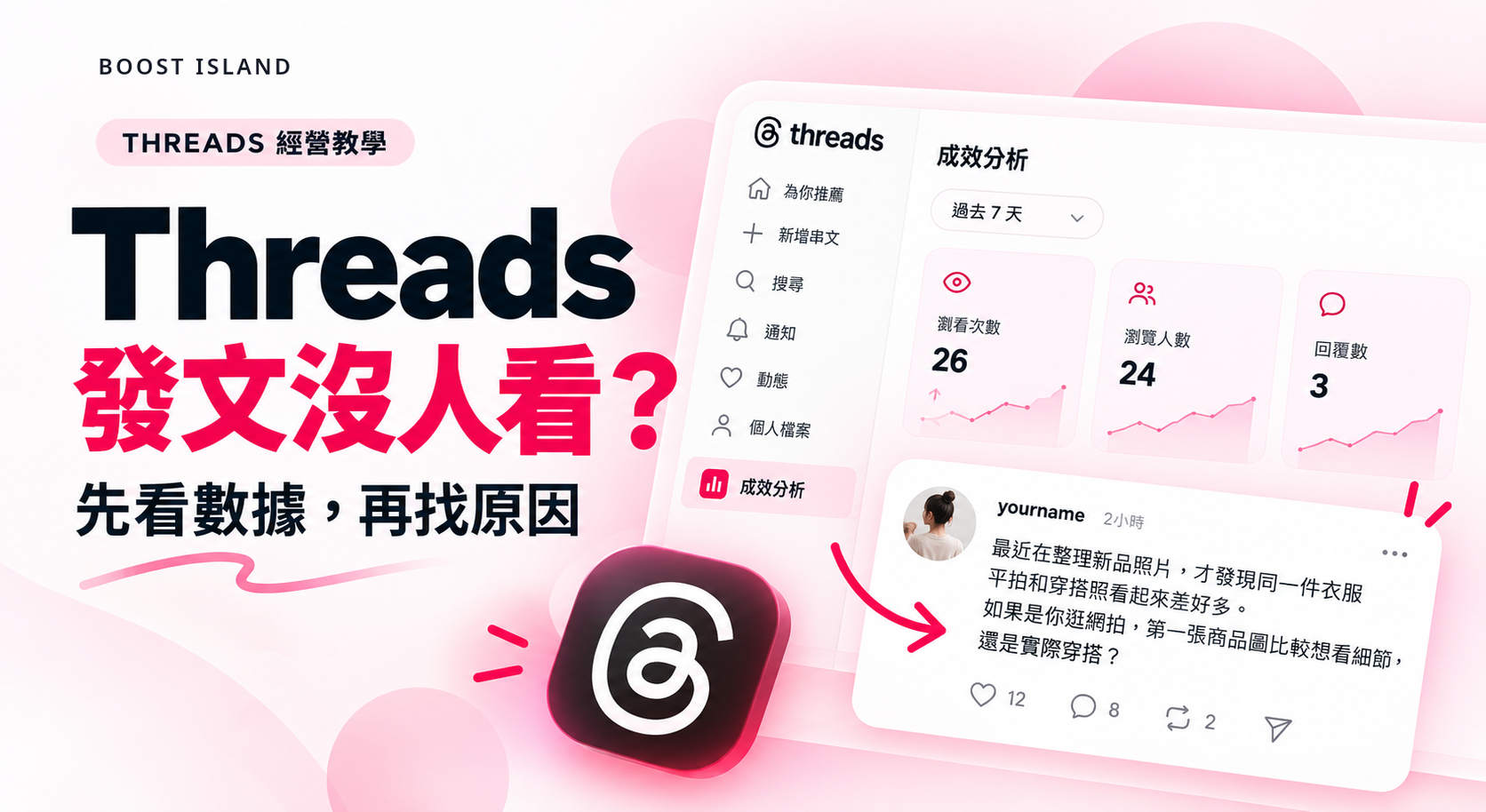
I was organizing photos of our new products recently and realized that the same piece of clothing can look so different in flat-lay photos versus outfit shots. When you browse online stores, would you rather see product details in the first image or an actual outfit photo?
The second version provides a specific scenario, allowing readers to directly answer based on their preferences and potentially share their shopping experiences. It is a posting approach worth testing, but there is no guarantee that it will receive more exposure.
Should You Add Hashtags to Threads?
Yes. Hashtags on Threads can connect posts with related discussions. Meta has shared overall observations showing that posts with hashtags generally receive more views than posts without them.
In practice, simply choose the hashtag most closely related to your content. Do not force a trending topic into a completely unrelated post just because it is popular.
If Threads Gets No Traffic, Use a One-Week Test to Identify Effective Content
For accounts that are just starting out on Threads, there is no need to publish a large amount of content at first. Choose one topic and spend a week observing how different writing styles perform.
Four-Post Weekly Testing Plan
-
Post 1: Share an observation.
Describe one specific problem you encountered while managing your account or doing your work. -
Post 2: Ask a question.
Staying within the same topic, rephrase it as a question that readers can easily answer. -
Post 3: Offer an approach.
Share a practical, actionable method addressing the problem mentioned earlier. -
Post 4: Expand on an effective topic.
Return to the direction that generated better engagement and continue testing with a related question.
After publishing each post, it is recommended to record views, replies, quotes, and reposts at a consistent time. For example, check them 48 hours after posting each time, so comparisons between different posts are more meaningful. This is simply a convenient tracking period and does not mean that Threads recommends posts for only 48 hours.
During the testing period, you can participate normally in discussions within your field, but do not repeatedly post the same comment, use automation tools to send large numbers of replies, or leave advertisements under unrelated topics.
What Should You Compare This Week?
Compare which topics are more likely to attract views, which questions lead to substantive replies, and which posts make users willing to follow the account further. Do not judge the overall direction of account management based solely on one post that goes viral.
Threads Frequently Asked Questions FAQ
Does Getting 0 Views on a Threads Post Mean That My Reach Has Been Restricted?
You cannot determine that based solely on 0 views. First confirm whether the post is public, whether other accounts can view it normally, and whether the platform displays any notifications about violations or feature restrictions. Then observe the performance of subsequent posts.
Do you have to post on Threads every day to get exposure?
There is no official requirement to post every day. Meta has suggested publishing around 2 to 5 times per week as a reference for building an audience. The actual posting frequency should be adjusted based on content quality and your ability to manage the account.
Will posting images or videos on Threads affect reach?
Meta has observed that images, videos, and carousel content accompanied by text descriptions generally achieve better average view performance. Results for each post may still vary depending on the topic, media, and audience.
Can Threads' Dear Algo increase the exposure of your posts?
Dear Algo is mainly used to adjust the topics you want to see in your feed, rather than as a tool for increasing the exposure of your posts. Whether the feature is available depends on your location and the current interface of your account.
Finally, start with your three most recent posts
When no one sees your Threads posts, first confirm that your account is public. Then record the views and interactions of your three most recent posts and test new approaches to presenting your content. Once you complete these steps, you can more clearly determine what should be improved first in your next post.
BoostIsland will continue compiling practical user questions about social media platforms. To see more content about managing social media, visit the BoostIsland Blog to read more articles.

Related articles

Want to buy IG followers, likes, or Reels views? This article outlines the differences between various Instagram services, suitable use cases, key checks before placing an order, refill policies, and frequently asked questions.

全面認識人氣島 BoostIsland:約兩年社群成長服務經驗、品牌成立歷程、33 個平台與服務類別,以及創作者、電商、外貿與品牌如何使用。

Want to buy TikTok followers, likes, or video views? First, learn which situations each service is suitable for, the correct link format, ordering precautions, refill rules, and frequently asked questions.